 Help Center
Naviate Environment 15.2 presents a long-awaited upgrade:We’re proud to announce that Environment for Revit® now supports five additional Revit languages.
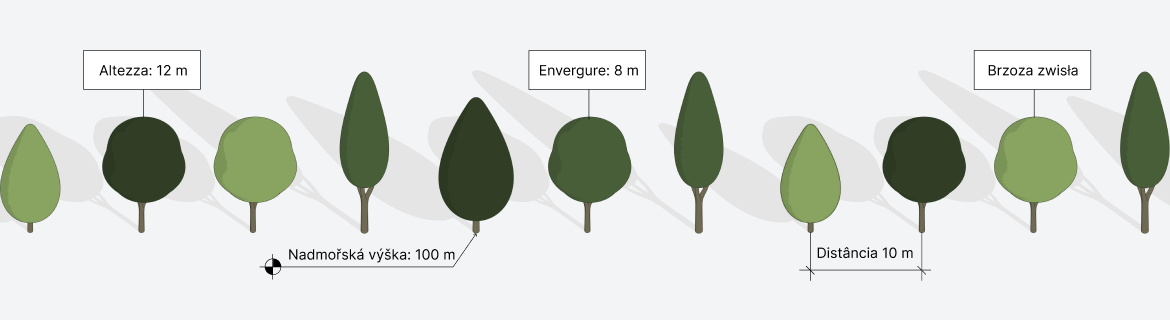
Environment is now available in 5 new languages
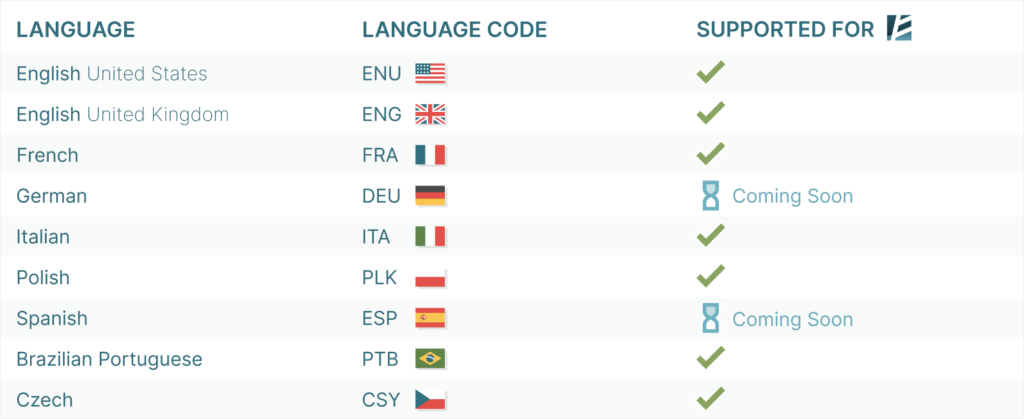
In an effort to make Environment feel more native for users working in localized versions of Revit, version 15.2 now supports:

And we’re not done – we’re currently working on adding translation for additional languages, including Spanish and German, so stay tuned.
How language support works
After you update to Naviate Environment 15.2, no additional setup is required.
If your Revit installation uses one of the supported languages, Environment will automatically switch to match.
Environment follows the language currently selected in Revit itself.
Official Revit 2027 supportAlso with this release, Naviate Environment 15.2 now fully supports Autodesk Revit 2027, so you can upgrade to the newest Revit version and keep using your familiar Naviate Environment tools.
Important installation note for Revit 2027 users
A clean installation is currently required for the update to work correctly with Revit 2027.
To do this:
- Completely uninstall the previous version of Naviate Environment
- Install Naviate Environment 15.2 again using the latest installer